
A private memory companion
Your life,
remembered.
Talk to Mnevra like you'd talk to a friend. It quietly keeps track of the people, places and moments that make up your life, and hands them back to you when you need them.
Coming Soon on the
App Store
On iPhone and Mac, with iPad and Apple Watch to follow. Android and web on the roadmap.

"Every person, moment and detail. Connected, and always at hand."
What Mnevra does
Not a notes app. Not a diary.
Mnevra is a living, connected graph of your life that grows smarter the more you use it. Start by chatting. Everything else happens on its own.
Talk or type
Voice mode
Connected knowledge
Your stories, written for you
Todos, goals and reminders
Instant recall
On iPhone and Mac

Spaces
One Mnevra, many sides of you.
Keep work, health, family, and personal life as separate as you want them. Each space gets its own tone of voice, its own people, its own home screen. The only thing shared across them is you.
How spaces workMac
A native Mac app, in your menu bar.
Mnevra runs on macOS as a proper desktop app: the same graph as your phone, with desktop-shaped extras. Capture from anywhere, peek at today's todos from the menu bar, and turn any selected text into a task without leaving the window you're in.
Menu-bar quick capture
A click in the menu bar opens a small popover. Type or speak a thought. It processes in the background and files itself.
Menu-bar todos
Glance at what's on Now, Next or Later from the menu bar. Add a todo inline, tick one off, or jump into the list.
Selection → todo
Highlight any text in any app, hit the Mnevra Service, and it lands as a draft todo with the right list and notes pre-filled.
Always on, never in the way
Open at login, lock with the same biometrics as your phone, and keep your graph in sync between desk and pocket.
Biography
A printed record of your life, in your hands.
Ask Mnevra to write your biography and it will, using your own words, your own photos and the shape of your own life. Three print-ready designs, yours to export any time. You can even invite a parent or grandparent into a chat-only version of Mnevra and gather their story too.
See how biographies work
Private by design
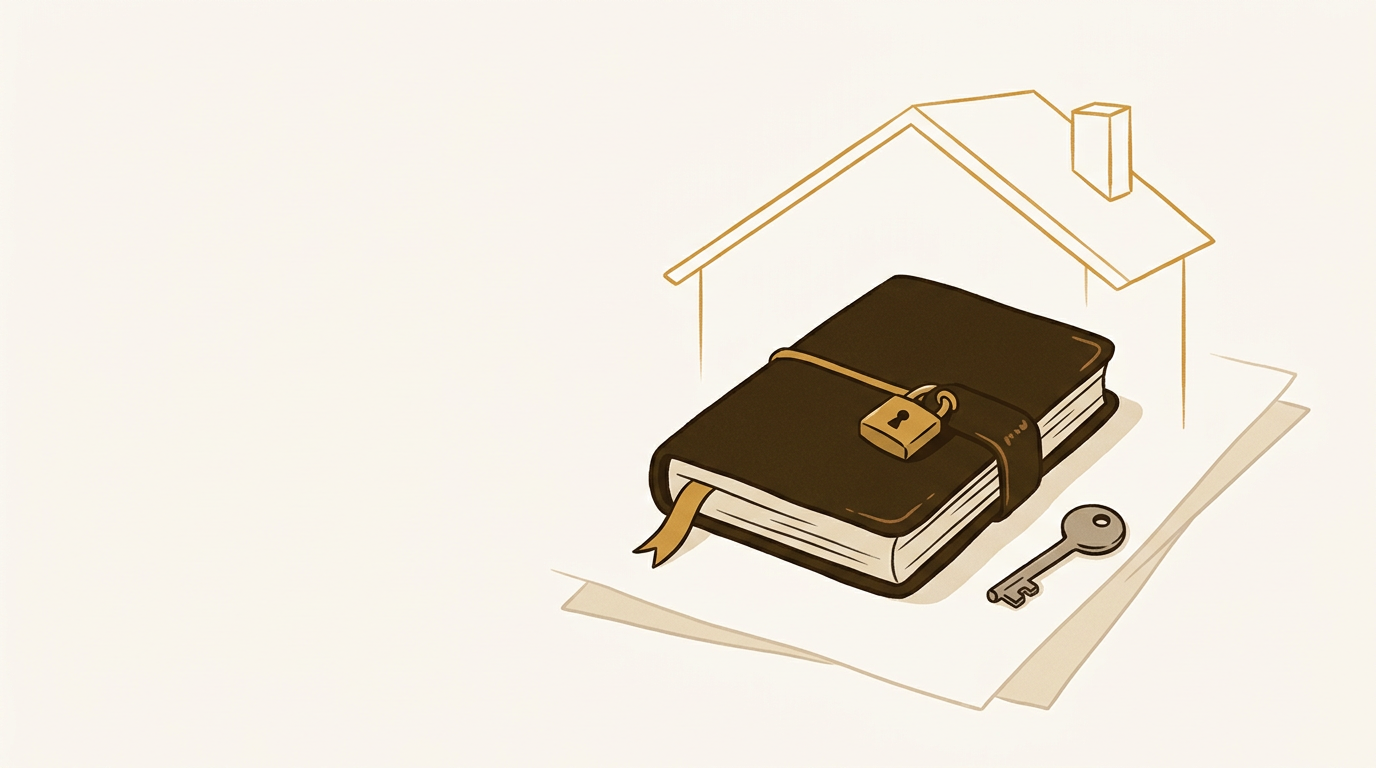
Your memories are yours.
Your data isn't used to train anyone's models. You can export everything at any time. Private memories stay out of exports. And every read is scoped to you at the database layer, so even a bug can't leak another person's life.
Read our privacy approachStart remembering.
Mnevra is arriving on iPhone and Mac soon. Be among the first to use it.
Coming Soon on the
App Store