Mnevra logo Mnevra

Features

The whole of what Mnevra does.

Built around one idea: the easiest way to capture a life is to talk about it. Everything here grew out of that.
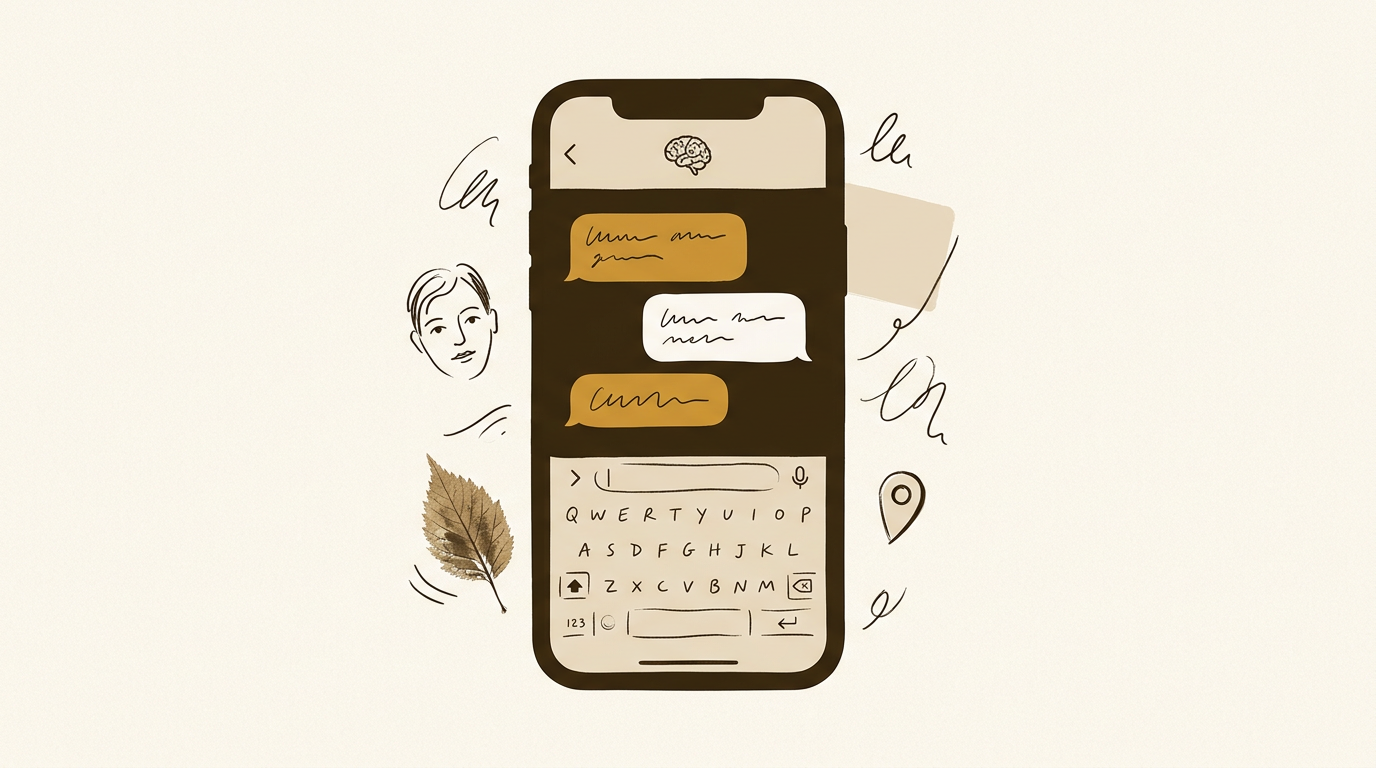
An illustration of the Mnevra chat on a phone

Capture

How memories go in.

Mnevra accepts whatever you give it, however you give it. There's no form, no tagging, no structured input. You just talk.

Chat capture

Open Mnevra and start typing. People, places, dates and events are extracted in the background and filed against the right entities — with smart follow-up questions only when they actually enrich the story.

Voice mode

Tap the mic for a realtime voice conversation. Mnevra listens, responds aloud and captures the important bits automatically. Great for walks, drives, or long reflective stretches.

Photos in chat

Attach photos to a message and Mnevra reads their EXIF data to tag the right date and place, then stores them against the memory and the people in them.

Quick Capture

Jot something down from a Siri shortcut, a share sheet, or a notification reply. Processing happens in the background, so you can keep going.

Share extension

Reading something worth keeping? Hit Share in Safari, Mail or Notes and send it straight to Mnevra as a capture — no copy-paste needed.

Imports from files and URLs

Drop a PDF, Word doc, markdown file or URL and Mnevra extracts the people, places and memories from it. Large imports are handled in the background so nothing times out.

Understand

How Mnevra connects the dots.

Everything you share becomes an entity in a living graph: people, places, events, and the relationships between them. It links itself together as you go.

A knowledge graph, not a folder tree

People, places, events and memories are all first-class entities, each with their own profile. Everything cross-links, so asking about one surfaces the rest automatically.

Entity profiles

Tap a person or place in chat and see everything you know about them — memories, relationships, photos, an avatar you upload (or one Mnevra picks from your own photos), and a running timeline. Great prep before a catch-up or a trip.

Entity deep-dive

Start a conversation focused entirely on a single person or place. Fill in the blanks, review what's known, or just reminisce.

Timeline view

Your life laid out chronologically, grouped by year, with key events highlighted. Handy for anniversaries, reflections, or memoir-writing.

Instant recall

Ask Mnevra anything about your life in plain language and get the answer. It pulls across conversations, imports, photos and notes.

Knowledge Review

A dedicated screen that surfaces duplicates, conflicts and missing details. Resolve them with one tap — or let Mnevra do it for you.

Stay present

Gentle nudges, not noise.

Mnevra quietly watches for gaps — relationships you haven't mentioned in a while, goals you've drifted from — and nudges you only when it actually matters.

Todo lists

Organise the short-term stuff in as many lists as you want — Errands, Follow-ups, Reading — with four simple states: Now, Next, Later, Done. A "Today" view collapses everything you've committed to right now into one ordered list you can drag to reorder. Per-space, so Work stays in Work.

Todos linked to the rest of your life

Attach a todo to a person, pet or place and it surfaces on their profile. Link it to a reminder for a push at the right time, or to a goal so the steps actually feed the outcome.

Goals and goal steps

Set goals through conversation and break them into concrete steps — or into todos that you can tick off one by one. Snooze a step, or flag a goal as waiting on someone else, and Mnevra eases off the nudges without losing the thread. Progress feeds into your daily digest.

Reminders

Ask Mnevra to remind you about something — a call, an anniversary, a task — and it'll push you a notification at the right local time.

Check-in cadences

Set a rhythm for each person you care about — weekly, monthly, quarterly. Mnevra nudges you when it's been too long.

Morning digest

A daily summary of what's worth thinking about: birthdays, overdue check-ins, goal progress, todos due today, and prompts to fill in biography gaps.

Reply to a push

Tap reply on a Mnevra push notification and continue the conversation straight from the lock screen.

Notifications inbox

Every nudge Mnevra has sent lives in a dedicated list, so nothing gets lost if you miss it in the moment.

Tell your story

From conversation to chapter.

At any point, Mnevra can turn what it knows about you into a biography, a memoir, or a single written piece on any subject — in a PDF designed to print.

Your biography, generated

Mnevra assembles a structured biography — chapters, prose and illustrations from your own photos — and you can read it in-app or export it.

Three print-ready designs

Export as a PDF in Modern, Classic or Magazine style, A5 for screen or A4 for print, emailed to you when it's ready.

Interview mode

Chapters with gaps trigger a guided interview: Mnevra asks you direct questions and fills in the missing beats as you answer.

Highlight and correct

Spot something wrong? Highlight it and chat with Mnevra to fix it. Corrections become directives it remembers on every future generation.

Topic mode

Generate a focused piece on any topic — your schooling, a relationship, a year of your life — in the voice you choose.

Memoir mode

Prefer first-person narrative? Switch to memoir mode for a more personal, literary voice.

Make it yours

Mnevra on your terms.

Personalities, privacy toggles, and your own AI keys — Mnevra adapts to the way you want to use it.

Spaces

Separate lives for separate parts of you — Work, Health, Personal, a specific project. Read more →

Personalities

Choose how Mnevra talks to you: warmer, sharper, more direct, more reflective. Each space can have its own.

Private memories

Mark any memory as private and Mnevra uses it in conversation but keeps it out of your biography and any exports.

Face ID lock

Lock Mnevra behind Face ID (or your device passcode) so your memories stay private on an unlocked phone.

Bring your own AI keys

Prefer to handle model usage and billing yourself? Plug in your own Anthropic or OpenAI key from Settings.

Export everything, any time

One tap exports everything Mnevra holds about you in structured form. Your data, your call.

Where it runs

On your phone, on your desk, and wherever you write.

Mnevra is a native iPhone app and a native Mac app, sharing the same graph and the same account. It also opens itself up to the rest of your tools — share sheets, system services, and the AI assistants you already use.

iPhone app

The full Mnevra experience — chat, voice, photos, share extension, push, biography reader. Built for iOS 17 and up.

Mac app

A native macOS app that mirrors the iPhone for reading and writing, with desktop-shaped extras: menu-bar capture, menu-bar todos, and tighter keyboard control.

In sync, in real time

Add a memory on your phone and it appears on your Mac without a refresh, and vice versa. Silent push and live broadcasts keep both apps in step.

Menu-bar quick capture

A small popover lives in your Mac menu bar. Type or speak something worth keeping, and Mnevra handles the filing in the background — no full window needed.

Menu-bar todos panel

Peek at what's on Now, Next, Later or Done from the menu bar. Add a todo inline per state, drag between sections, or click through to the full list.

Capture selection as a todo

Highlight text in any Mac app, choose the Mnevra service from the menu, and it becomes a draft todo with the selection as notes. AI suggestions help shape a clean title and pick the right list.

Open at login

Set Mnevra to launch quietly when you sign in — the menu bar is ready before you remember you wanted it.

API tokens

Generate scoped Sanctum tokens from Settings to let other tools talk to your Mnevra account. Issue, name and revoke tokens any time.

MCP server for Claude

A small Model Context Protocol server that lets Claude Code and Claude Desktop read and mutate your todos directly — list, add, complete, update — using your own API token.

Start remembering.

Mnevra is arriving on iPhone and Mac soon. Be among the first to use it.

Coming Soon on the

App Store